DropMe: Self-Hosted File Sharing
A simple, secure, and self-deployable file sharing solution for individuals and teams. Host it on your own infrastructure for complete control of your data.
A simple, secure, and self-deployable file sharing solution for individuals and teams. Host it on your own infrastructure for complete control of your data.
Deploy on your own servers for complete control over your data. No third-party services involved.
Lightweight application designed for speed and ease of use. Upload and share files in seconds.
Deploy with a single Docker command or use docker-compose for a more customized setup.
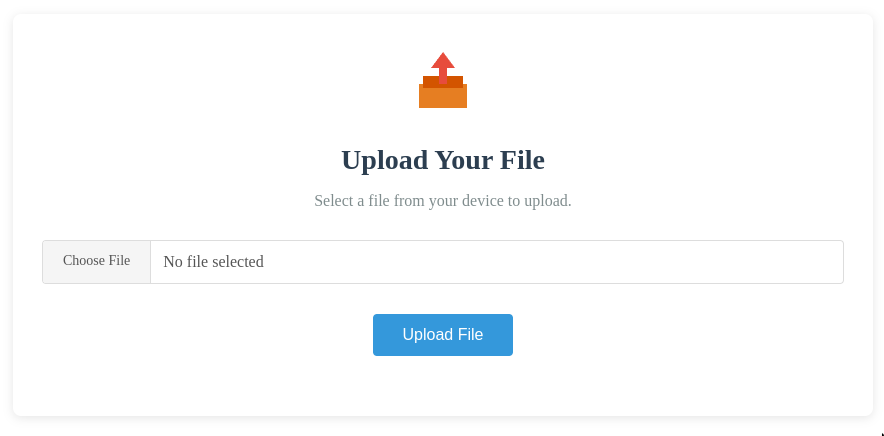
DropMe creates secure, time-limited signed URLs for one-time file uploads. These URLs can be shared with users who need to upload files.
Large files are automatically split into 50MB chunks for reliable transfers, even with unstable connections. This ensures smooth uploads of files of any size.
Store uploaded files either on your local filesystem or connect to Amazon S3 for cloud storage by providing your access keys.
DropMe is a lightweight file sharing system designed for simplicity and security:
Generate secure, temporary URLs for file uploads that expire after use, enhancing security and preventing unauthorized access.
Files are automatically split into 50MB chunks for reliable transfer, ensuring successful uploads even with unstable connections.
Choose between local filesystem storage for simplicity or Amazon S3 cloud storage for scalability and redundancy.
Easy deployment using Docker with minimal configuration. Get up and running in minutes with a single command.
No external dependencies or complex setup required. Everything you need is included in a single, easy-to-deploy package.
DropMe includes a comprehensive admin dashboard for complete control over your file sharing environment.
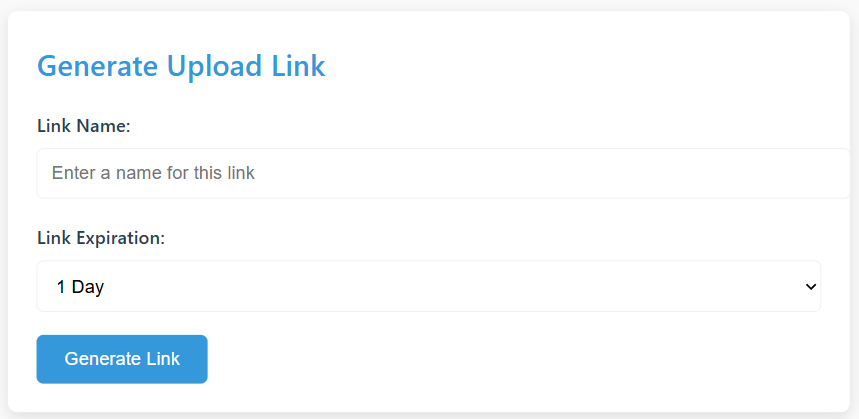
Create secure, time-limited upload links with custom expiration periods. Each link is unique and can be shared with users who need to upload files to your system.
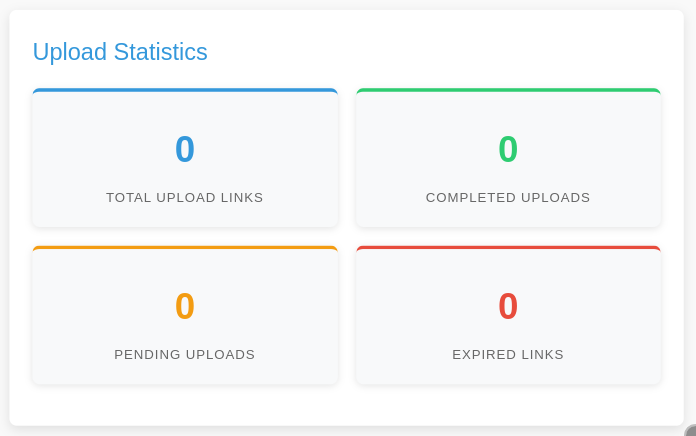
Track usage with real-time statistics showing total upload links, completed uploads, pending uploads, and expired links. Monitor your system's activity at a glance.
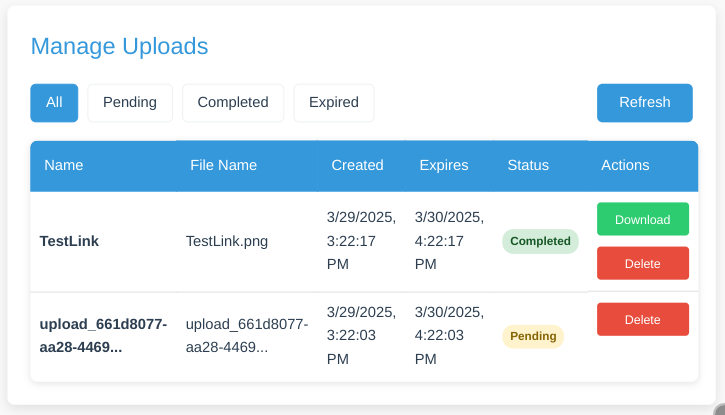
View, download, and delete uploaded files. Filter uploads by status (pending, completed, expired) and manage all aspects of file storage.
The hosted layout uses two stable public addresses: dropme.cloud for this product site and app.dropme.cloud for the DropMe app and admin dashboard. Choose a self-hosting method below:
Quick start for the DropMe app and admin dashboard:
Use the repository Compose files to run both the product site and the DropMe app:
docker compose -f deploy-compose.yml up -d and configure Cloudflare Tunnel:DropMe supports the following environment variables:
APP_PORT: App port for direct development and Docker Compose (default: 8080)PRODUCT_PORT: Product-site host port for local Docker Compose (default: 3000)ADMIN_USERNAME: Admin login usernameADMIN_PASSWORD: Admin login passwordSIGNING_SECRET: Secret key for signing URLsJWT_KEY: Secret key for JWT authenticationSTORAGE_TYPE: Storage backend - "local" or "s3"S3_*: S3 configuration (if using S3 storage)Local Compose access: product site at http://localhost:3000, app dashboard at http://localhost:8080/admin.
Access the local dashboard at http://localhost:8080/admin using the credentials in your environment file.
Important: Use unique, strong credentials and secrets in every hosted environment.
Deploy your own instance of DropMe today and enjoy secure, private file sharing with complete administrative control.
Open Dashboard